
Spaceflight Simulator APK lets you build rockets and explore space, making it a fun way to learn about space travel!

Spaceflight Simulator APK v1.6.00.22
Spaceflight Simulator APK
Download for Android
| App Name | Spaceflight Simulator |
|---|---|
| Package ID | com.StefMorojna.SpaceflightSimulator |
| Genre | Games, Strategy |
| Size | 107.3 MB |
| Latest Version | 1.6.00.22 |
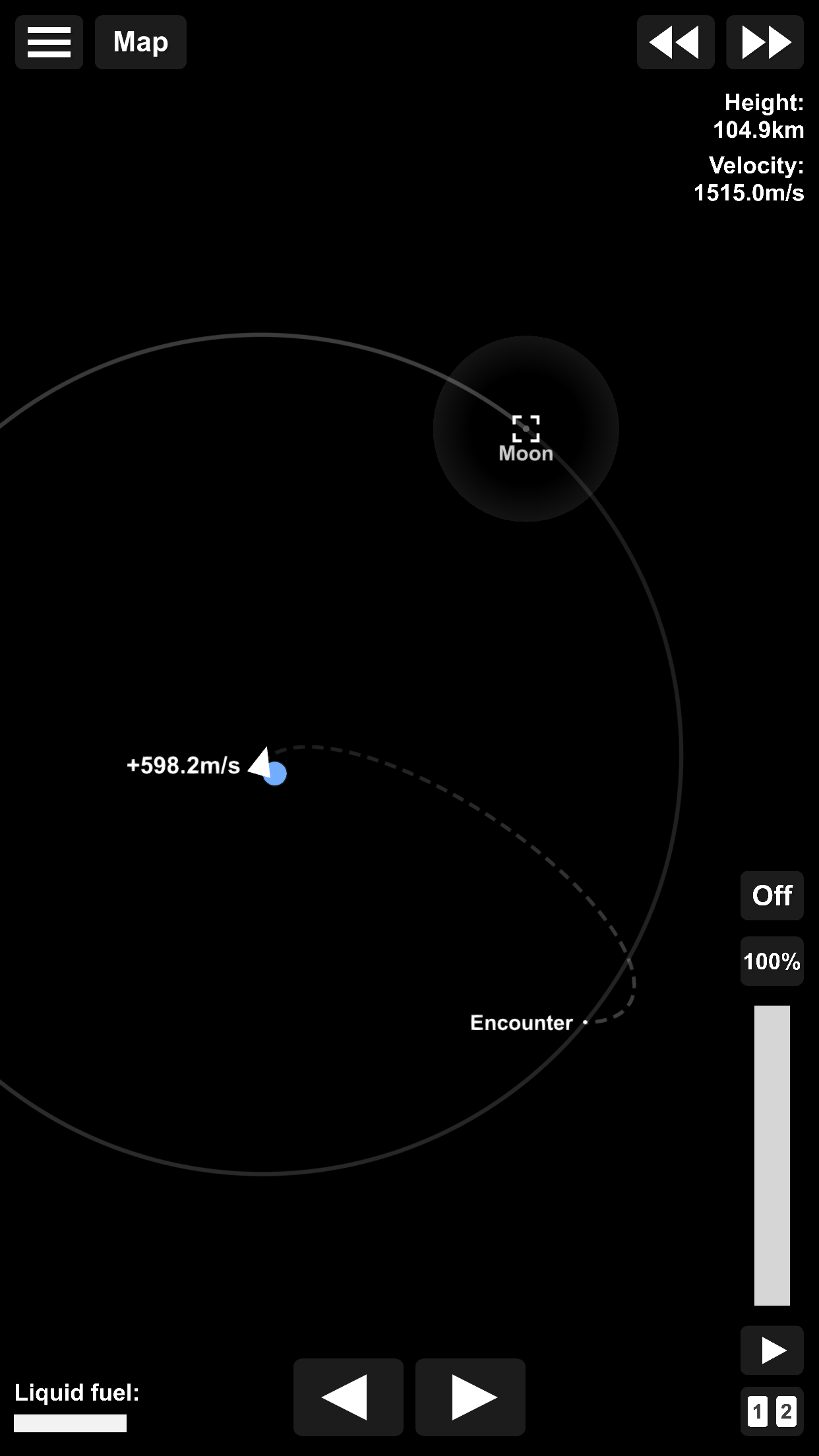
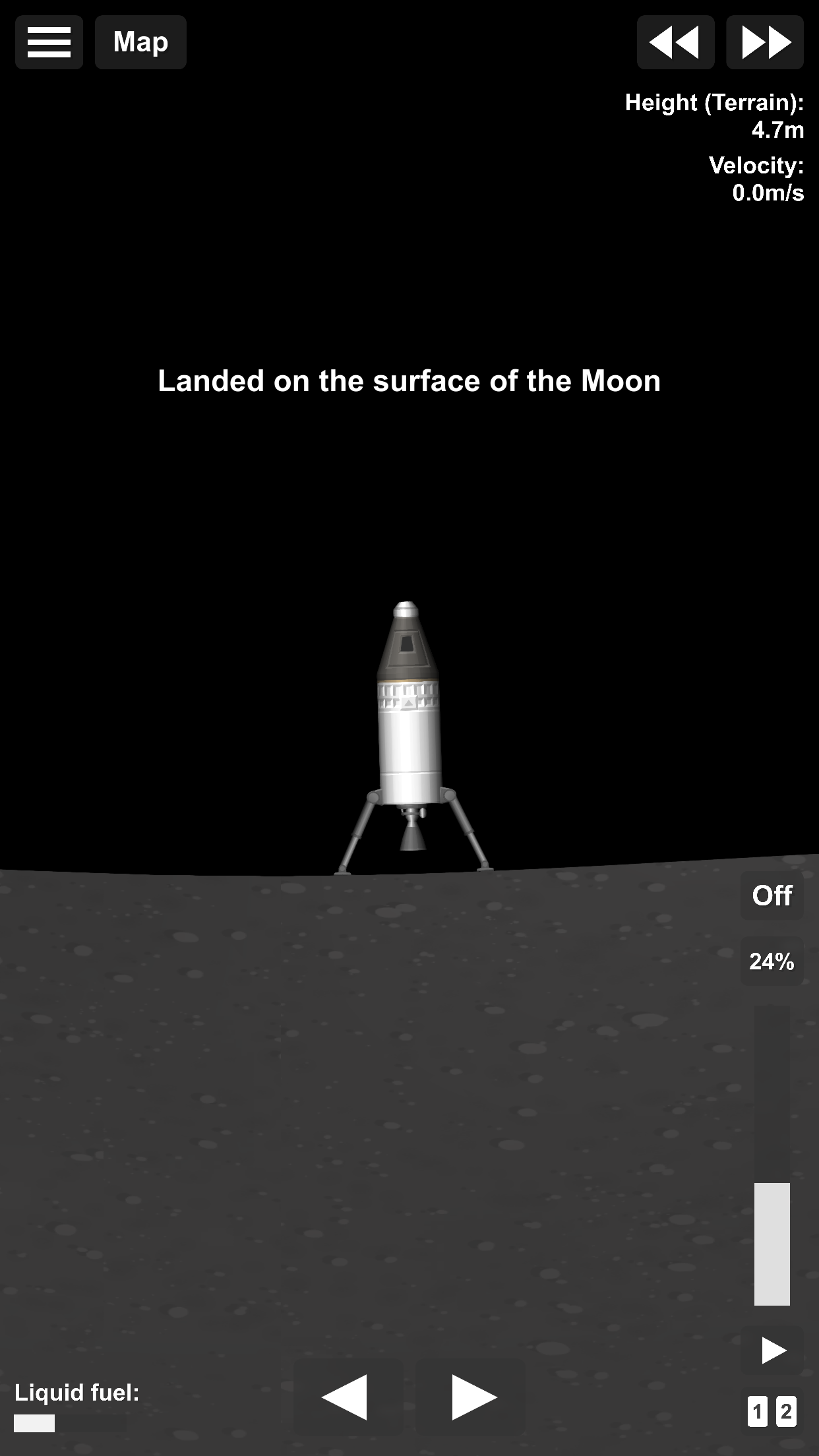
Discover the Exciting World of Spaceflight Simulator APK for Android
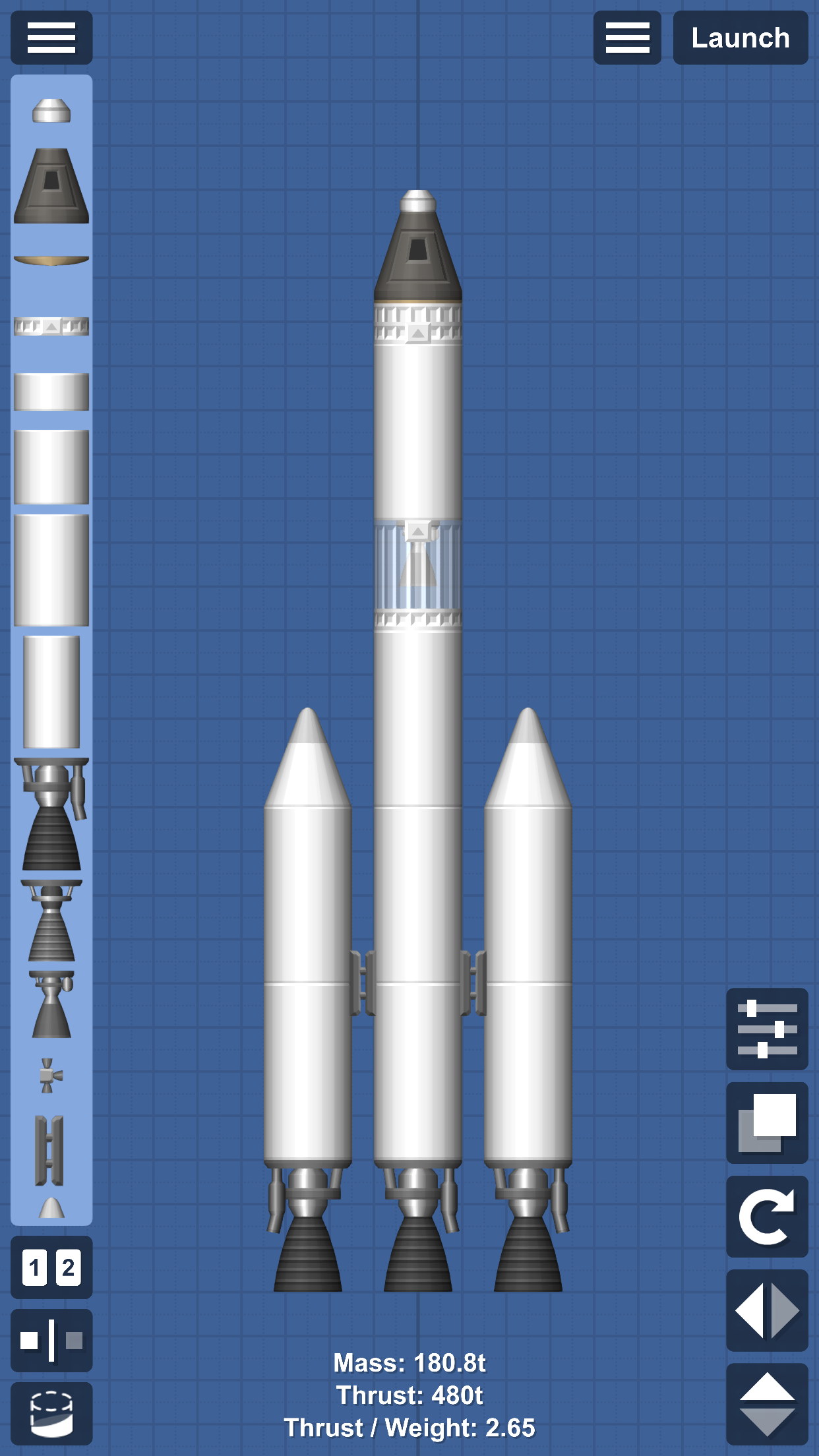
Spaceflight Simulator is a thrilling game that lets you build your own rockets and explore the vastness of space. Imagine being a rocket scientist, piecing together different parts to create a powerful spacecraft. Once your rocket is ready, you can launch it into the universe, visiting planets and even landing on them!
This game is perfect for anyone who loves space and wants to learn more about how rockets work. Let’s dive into the fascinating world of Spaceflight Simulator APK for Android and discover how you can start your space adventure today!
What is Spaceflight Simulator?
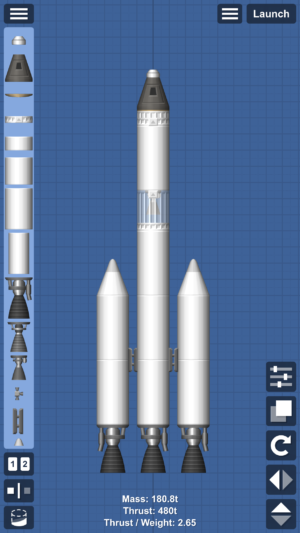
Spaceflight Simulator is a game where you can unleash your creativity and engineering skills. You have the freedom to design and build rockets using various parts. These parts include engines, fuel tanks, and command modules. Once your rocket is complete, you can launch it into space and explore different planets.
The game is designed to be realistic, so you’ll need to think about things like gravity, speed, and fuel consumption. It’s a fun and educational way to learn about space exploration and rocket science.
How to Download Spaceflight Simulator APK for Android
Downloading the Spaceflight Simulator APK for Android is easy and free. You don’t need to visit any other websites to get the APK file. Simply follow these steps to start your space adventure:
- Make sure your Android device allows installations from unknown sources. You can do this by going to your device’s settings and enabling the option.
- Click the download button provided at the top to get the Spaceflight Simulator APK file.
- Once the download is complete, open the APK file to start the installation process.
- Follow the on-screen instructions to install the game on your device.
- After installation, open the game and start building your rockets!
Building Your First Rocket
Building your first rocket in Spaceflight Simulator is an exciting experience. You’ll start with a simple design, using basic parts like a command module, an engine, and a fuel tank.
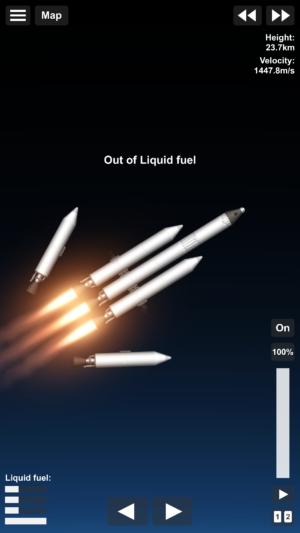
As you progress in the game, you’ll unlock more advanced parts that allow you to create more complex rockets. Here are some tips to help you build a successful rocket:
- Balance Your Rocket: Make sure your rocket is balanced so it doesn’t tip over during launch. Place heavy parts like fuel tanks at the bottom and lighter parts like command modules at the top.
- Use Enough Fuel: Ensure your rocket has enough fuel to reach its destination. You can add extra fuel tanks if needed.
- Choose the Right Engine: Different engines have different power levels. Choose an engine that matches your rocket’s size and weight.
Launching Your Rocket into Space
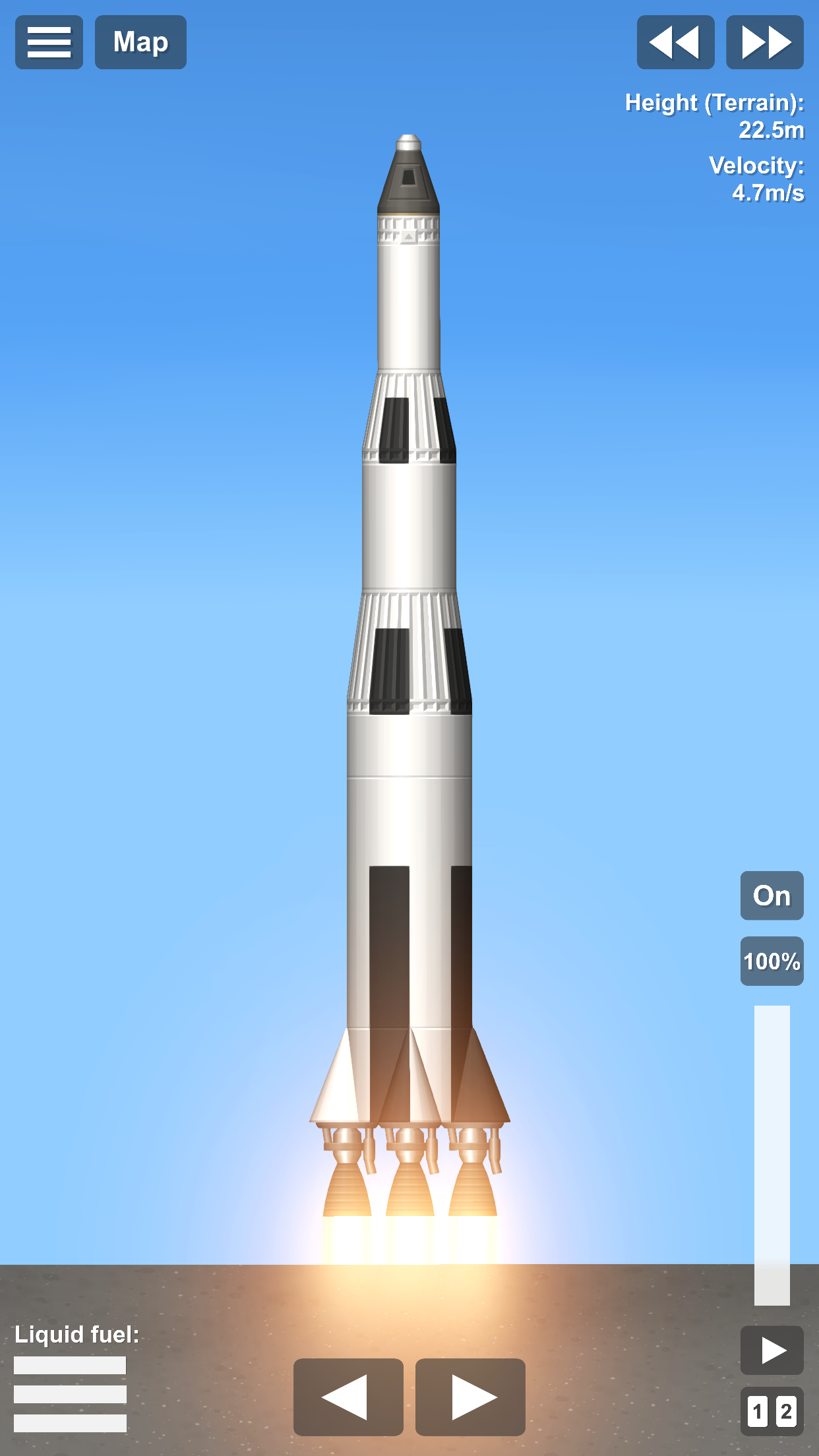
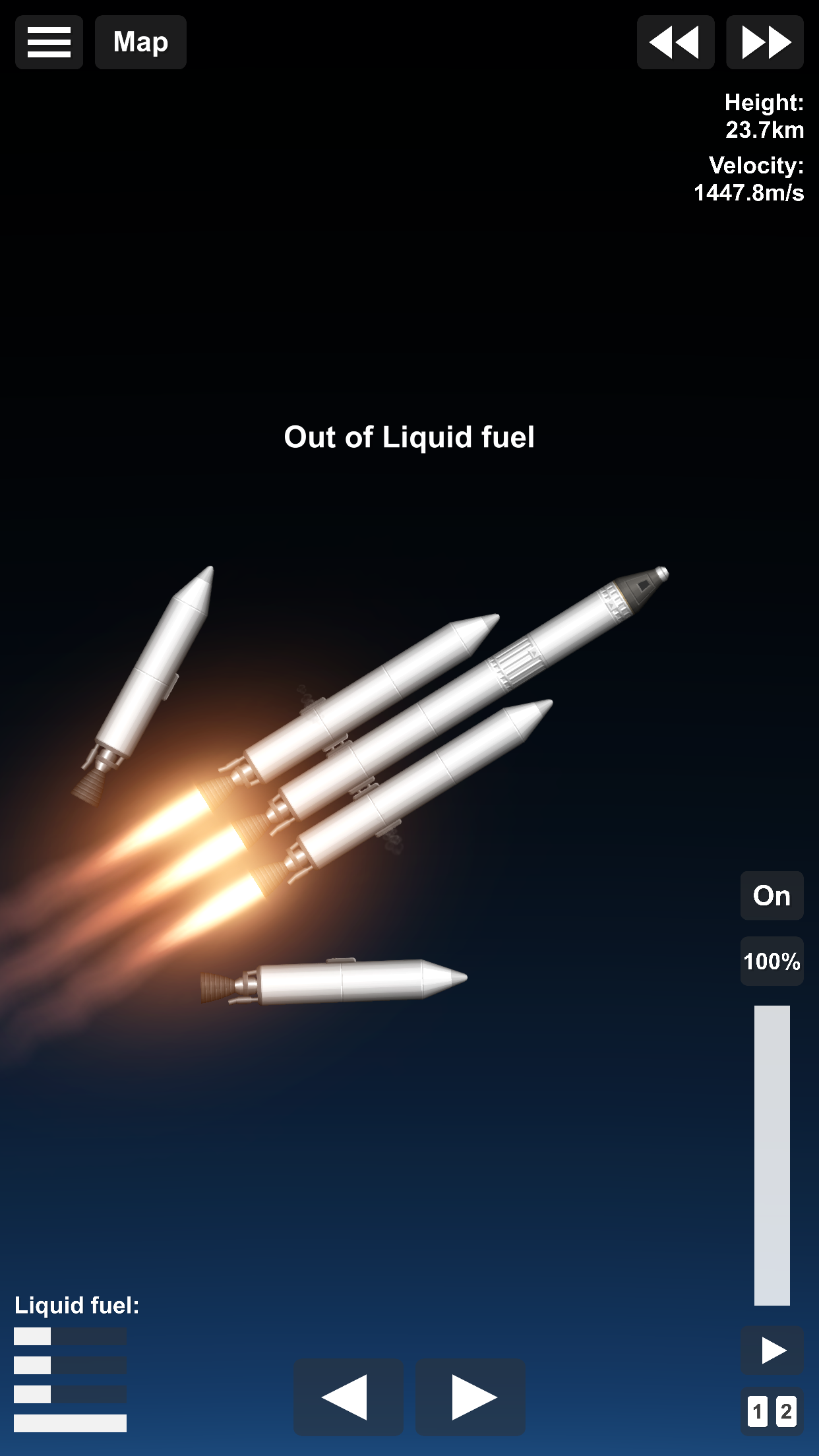
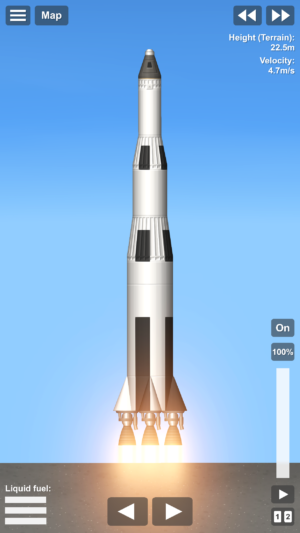
Once your rocket is built, it’s time to launch it into space! This is one of the most exciting parts of the game. You’ll need to carefully control your rocket’s speed and direction to ensure a successful launch. Here are some tips for a smooth launch:
- Start Slowly: Begin with a slow ascent to maintain control of your rocket. Gradually increase speed as you gain altitude.
- Monitor Fuel Levels: Keep an eye on your fuel levels during the launch. If you’re running low, consider making adjustments to your rocket design for future launches.
- Navigate Carefully: Use the controls to steer your rocket and avoid obstacles like asteroids or other spacecraft.
Exploring the Universe
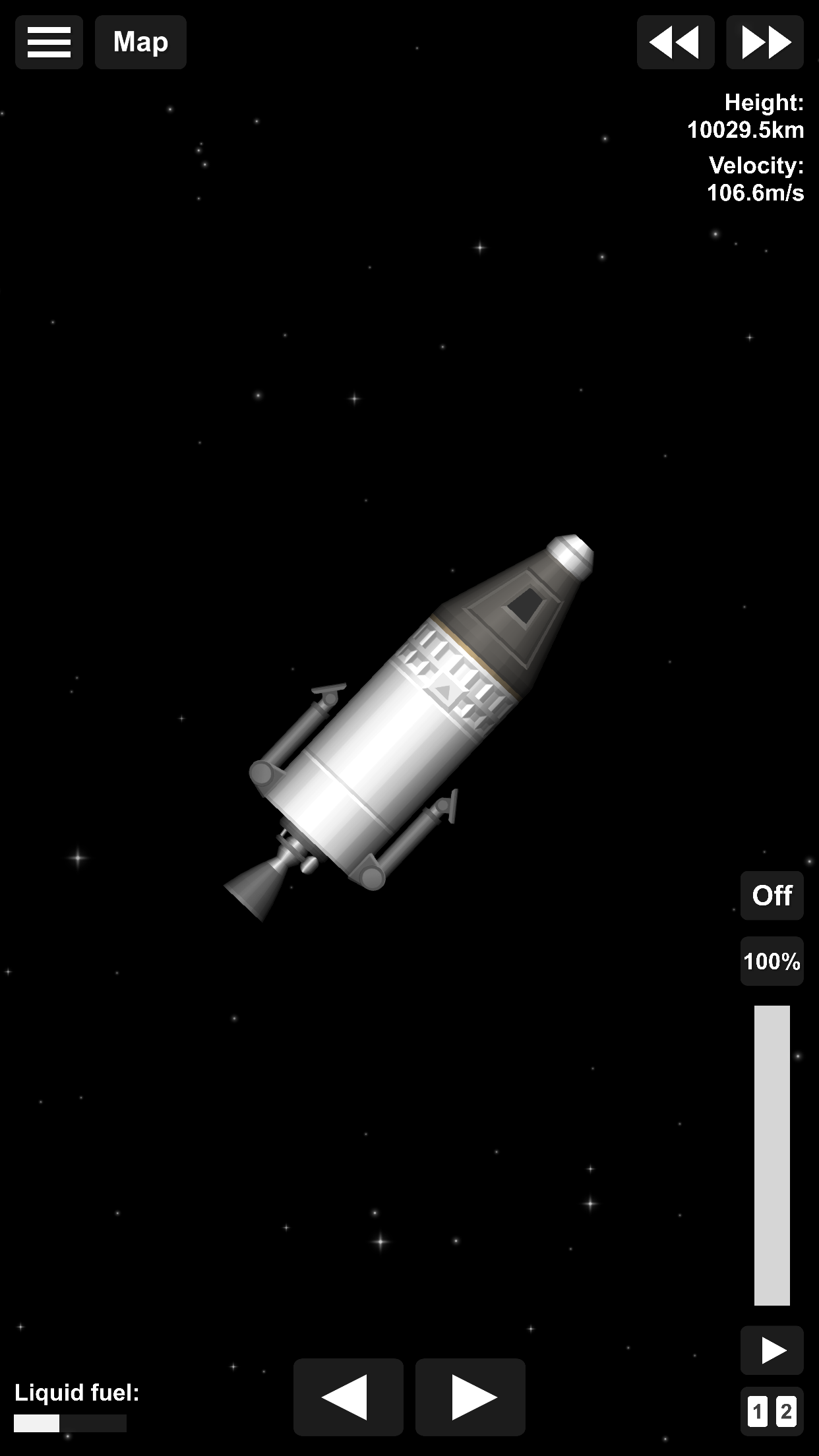
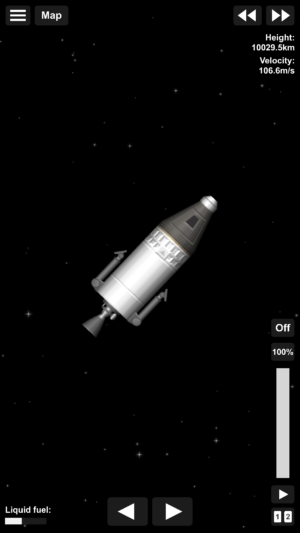
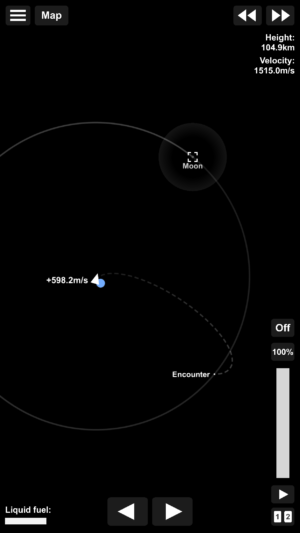
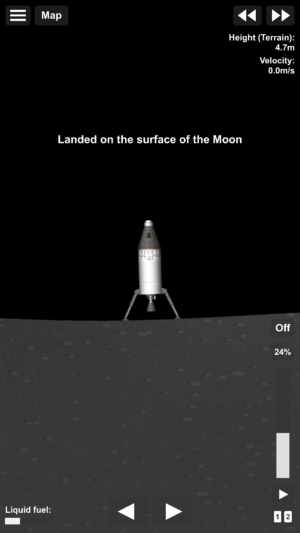
Spaceflight Simulator offers a vast universe for you to explore. You can visit different planets, each with its own unique features and challenges. Some planets have thick atmospheres, while others have low gravity. As you explore, you’ll learn more about the characteristics of each planet and how to land safely. Here are some exploration tips:
- Plan Your Journey: Before launching, plan your route to ensure you have enough fuel and resources for the trip.
- Study Planetary Conditions: Learn about the conditions of each planet, such as gravity and atmosphere, to prepare for landings.
- Collect Data: Use your spacecraft to collect data and complete missions. This will help you progress in the game and unlock new parts.
Tips for Successful Space Missions
To succeed in Spaceflight Simulator, you’ll need to plan your missions carefully and make strategic decisions. Here are some tips to help you achieve successful space missions:
- Test Your Rockets: Before launching a new rocket design, test it in a safe environment to ensure it works as expected.
- Upgrade Your Parts: As you progress, upgrade your rocket parts to improve performance and efficiency.
- Learn from Mistakes: If a mission fails, analyze what went wrong and make adjustments to your rocket design or mission plan.
Frequently Asked Questions
Can I play Spaceflight Simulator offline?
Yes, Spaceflight Simulator can be played offline. Once you’ve downloaded and installed the game, you can enjoy building and launching rockets without an internet connection.
Is Spaceflight Simulator suitable for kids?
Absolutely! Spaceflight Simulator is designed to be educational and fun for players of all ages. Kids can learn about rocket science and space exploration while having a great time.
How often is the game updated?
The developers of Spaceflight Simulator regularly update the game with new features, parts, and missions. This ensures that players always have something new to explore and enjoy.
Are there in-game purchases?
Spaceflight Simulator offers in-game purchases for players who want to unlock additional features or parts. However, the core game is free to play and provides plenty of content for everyone.
Can I share my rocket designs with friends?
Yes, you can share your rocket designs with friends and challenge them to build their own rockets. This adds a social element to the game and encourages friendly competition.
Conclusion
Spaceflight Simulator APK for Android is an incredible game that combines creativity, engineering, and exploration. Whether you’re a space enthusiast or just looking for a fun and educational game, Spaceflight Simulator offers endless possibilities.
By building and launching your own rockets, you can explore the universe and learn about the wonders of space. So, what are you waiting for? Download the Spaceflight Simulator APK today and start your space adventure!
5/5 (1 vote)